Some installations may require cameras to be added to the NVR over the network. This may be the case if the NVR doesn't have POE ports, or if a wireless bridge is involved in the installation. In this case the cameras need to be added to the NVR via a different method, see below for details.
Important Note
If this is a business installation, please make sure you consult with the Manager and/or IT department before installing any devices that will need to be connected to the network.
Installing a network device without approval and prior knowledge of how the network is setup, has the potential to cause critical devices to fail, bring down the network and even stop business' server/software from operating.
Please be advised the following instructions are only true for simple networks
Warning
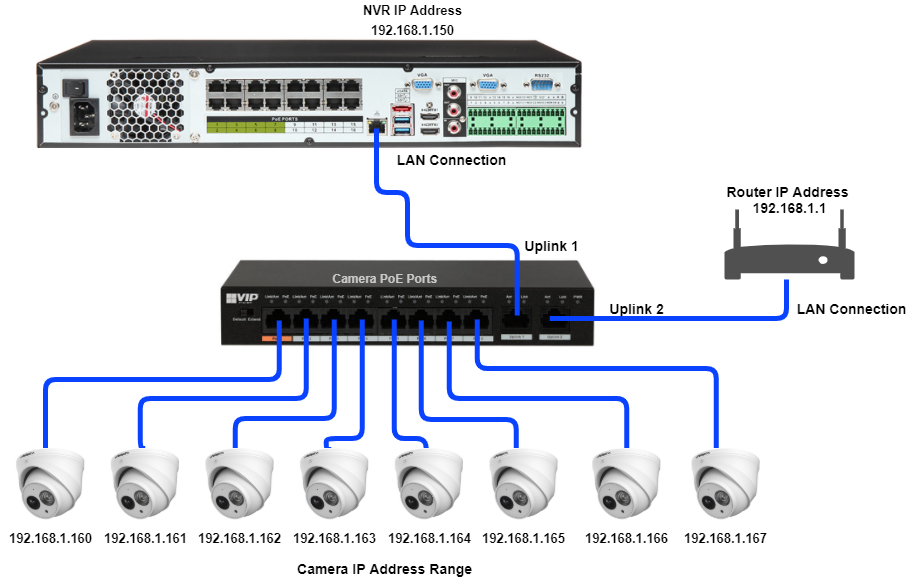
When connecting cameras over the network, they must only connect to the NVR's LAN Port as shown in the above diagram.
Do not connect ANY Network Devices/Switches to the NVR POE Ports
Only Connect 1 IP Camera per channel of the NVR
Configuration via PC is required to address and initialise multiple cameras.
Step 1 - CMD: Identify and Set an IP Address
Step 2 - Initialise the cameras
Step 3 - Setting Camera IP Address with Config Tool
Step 4 - Recorder Network Configuration
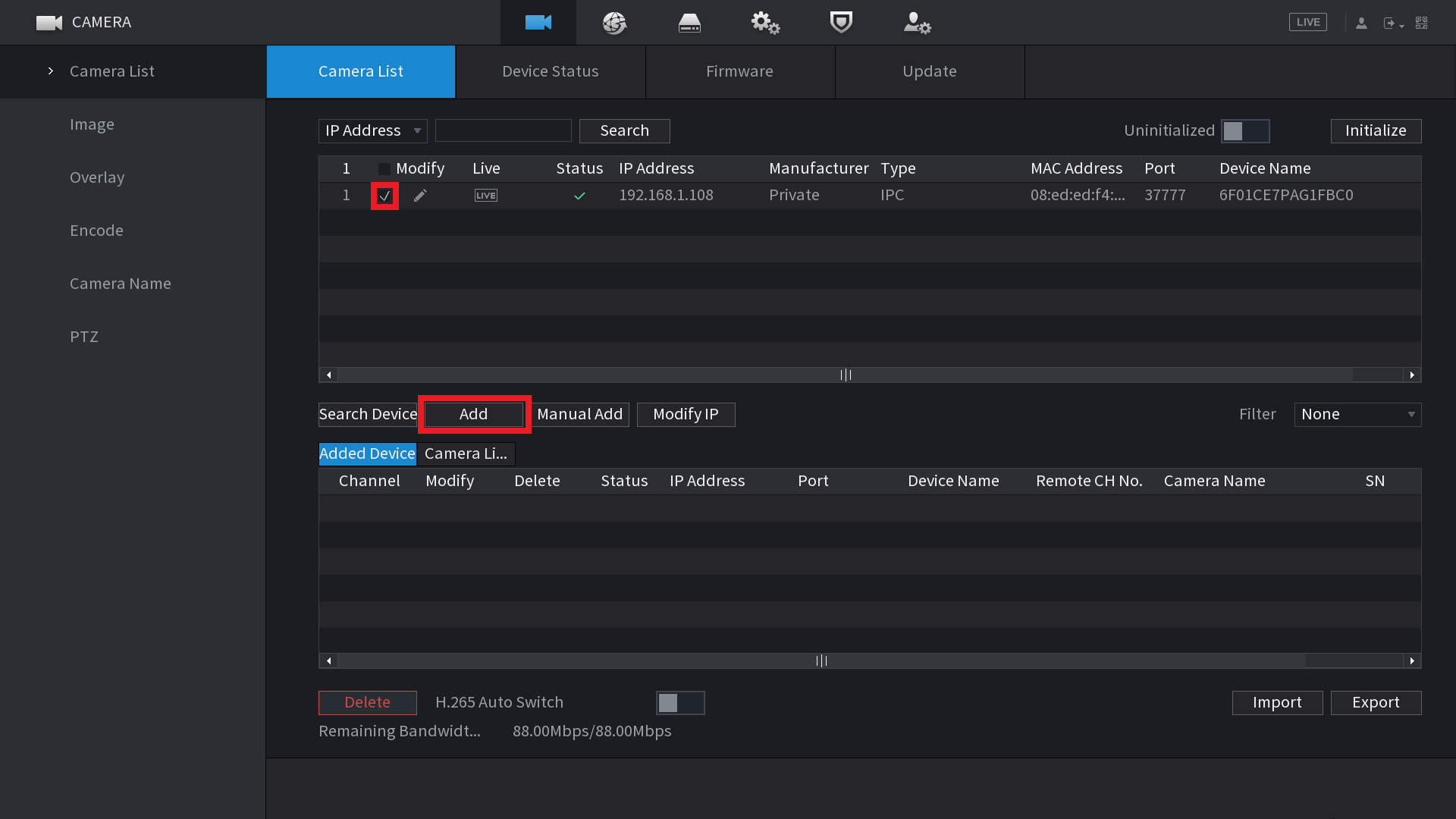
Step 5 - Adding Cameras to the Recorder
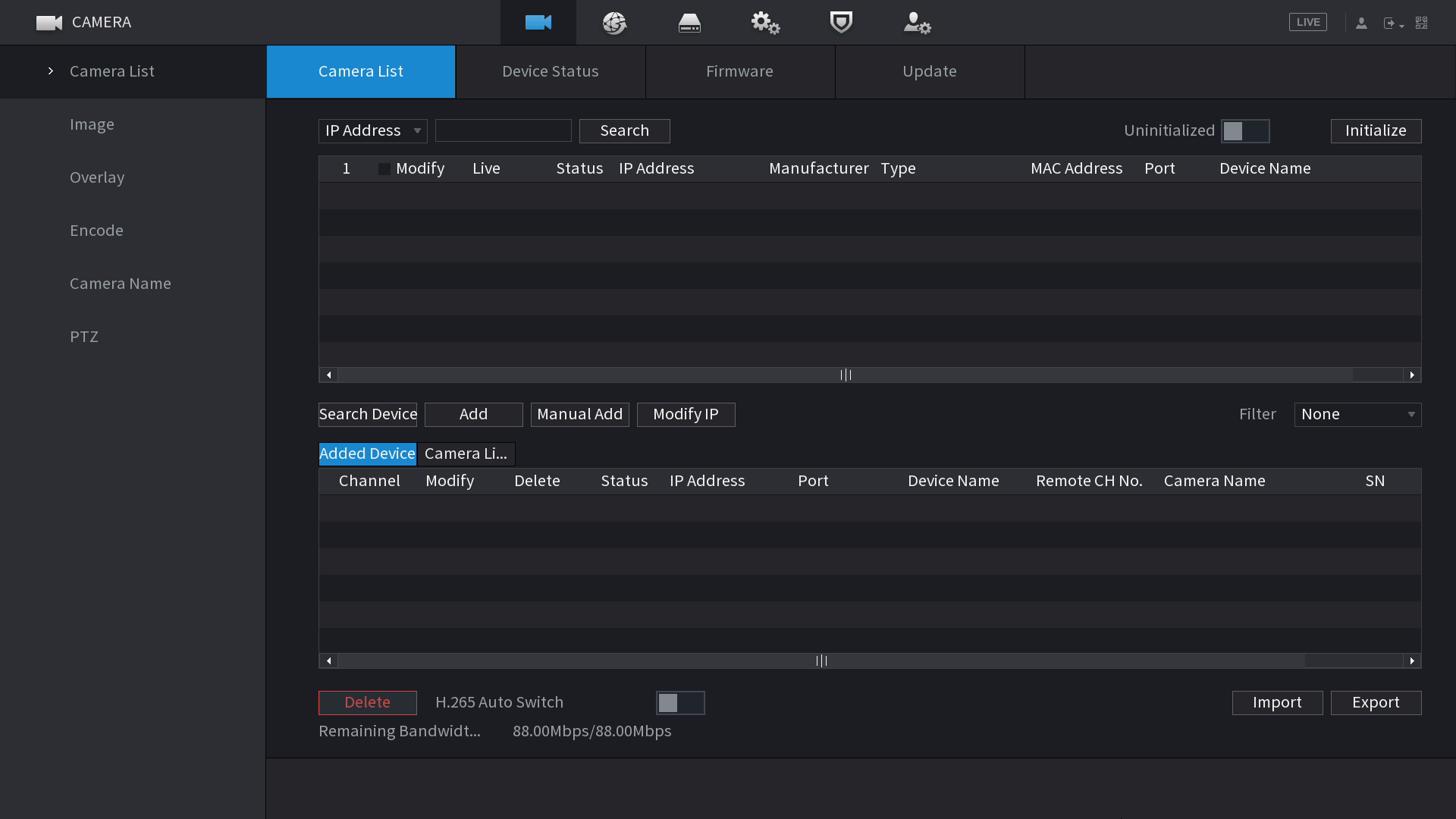
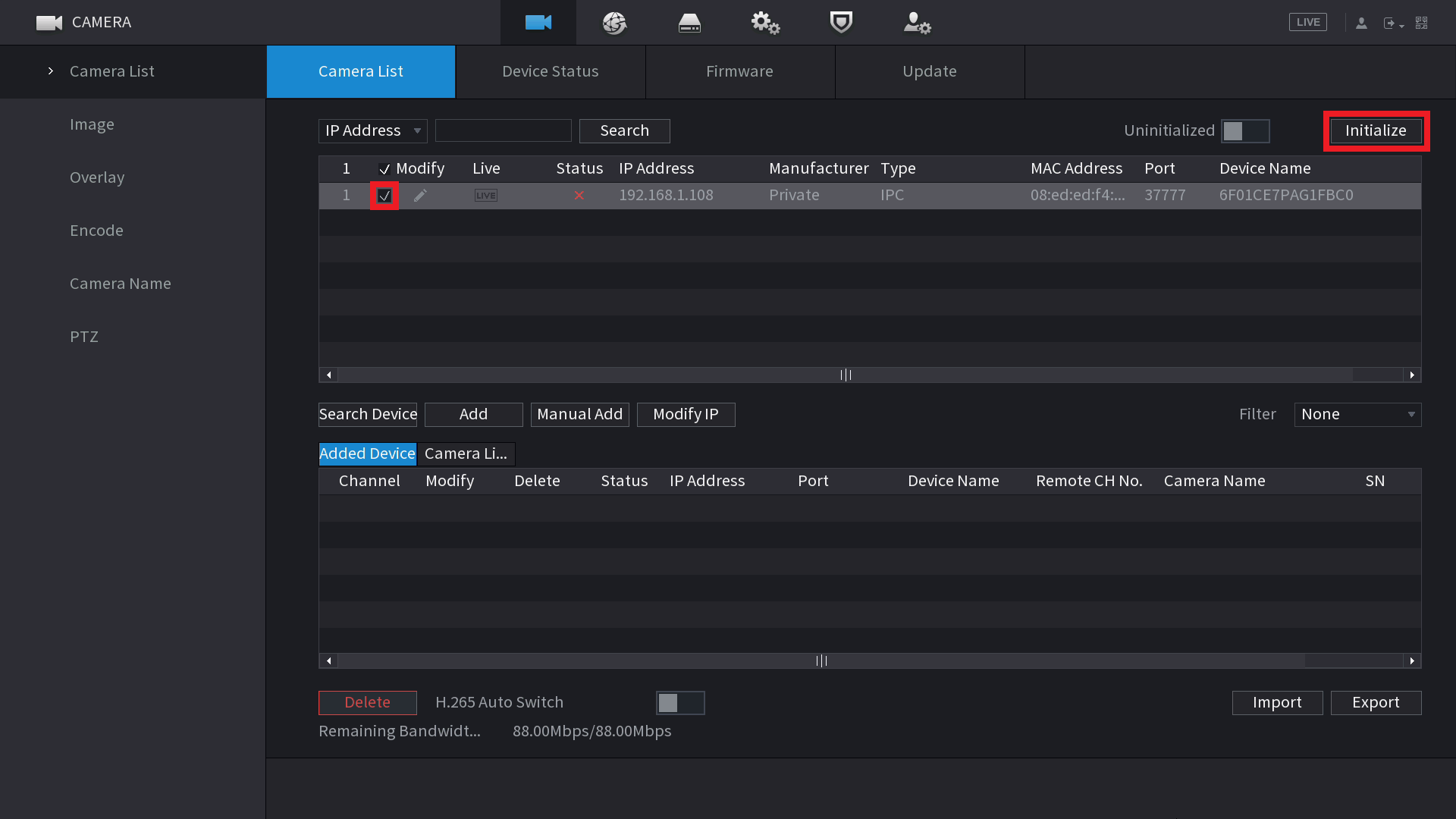
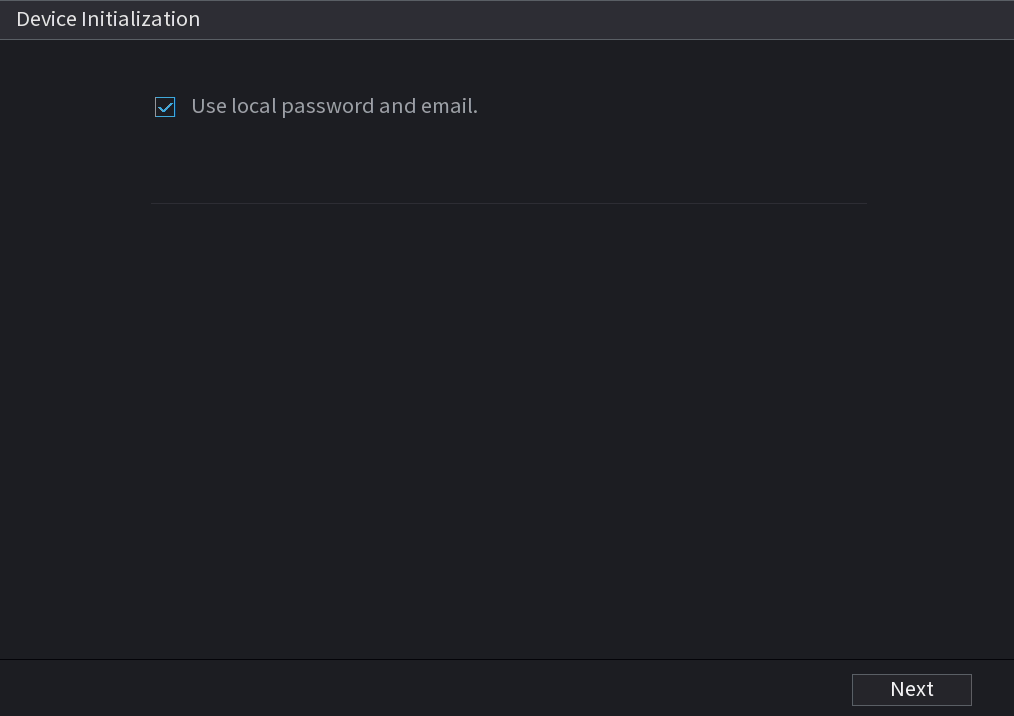
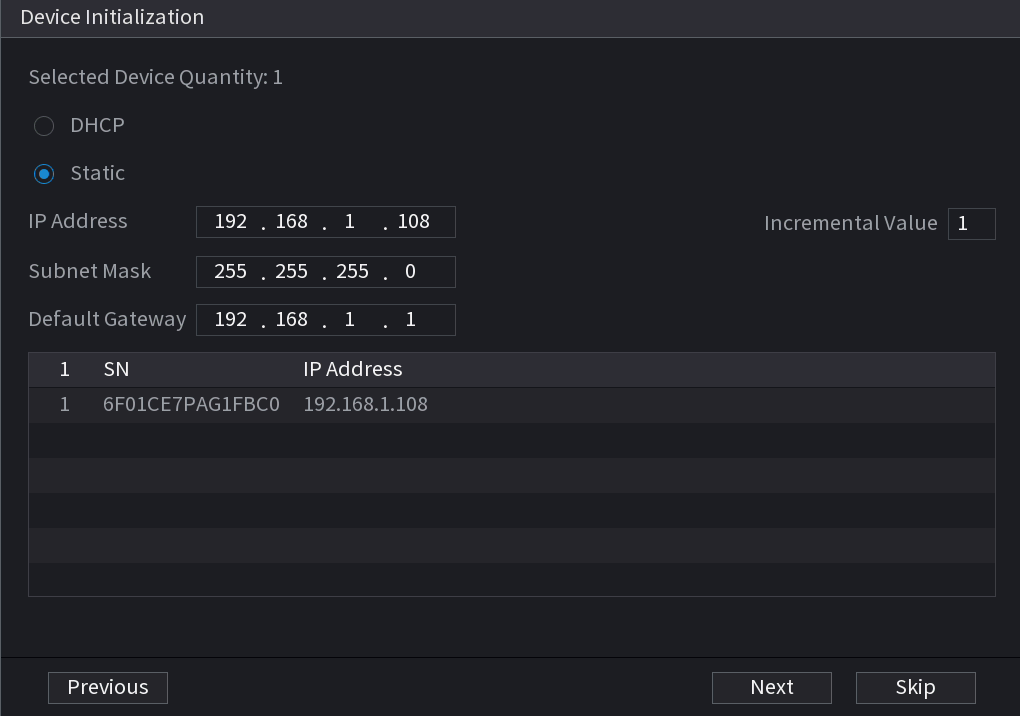
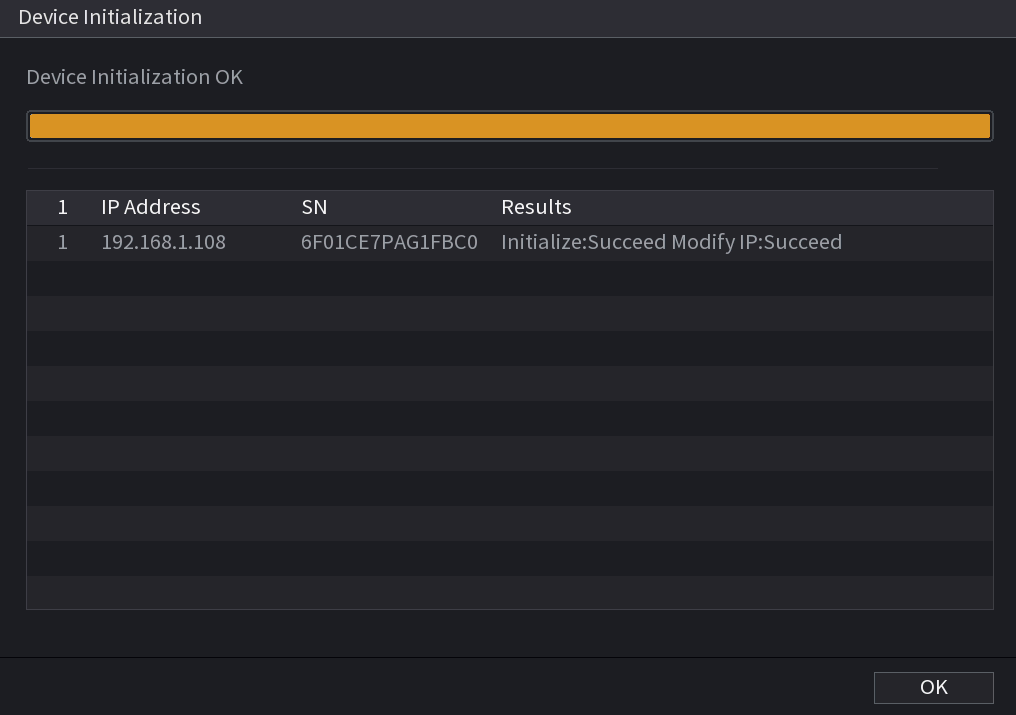
Optional - Initializing Cameras from the NVR
Comments
Post a Comment